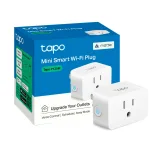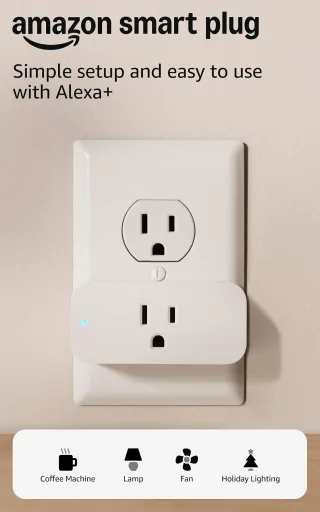
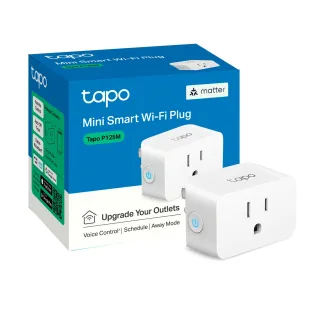
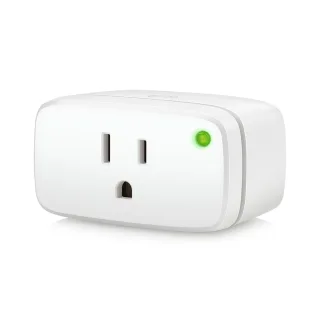
 Energy (Matter)
$35.82$43.95
- 1,800 WMax load: 1,800 W
- Type B (US)Plug type: Type B (US)
- Wi-Fi: NoWi-Fi: No
- HA: MatterHome Assistant: Matter
The Tapo P125M leads on specs, ahead in 1 of 2 areas.
The Tapo P125M wins 3 of the 3 specs where they clearly differ. The Tapo P125M costs $13 less. Biggest difference: Matter (No vs Yes).
Based on 4 and 5 scored specs of 5. Unknown specs are skipped. How we score
We earn a commission on purchases, and it never affects a score. As an Amazon Associate I earn from qualifying purchases.
Energy (Matter)
$35.82$43.95
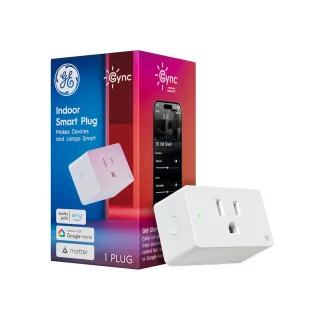
 Cync Indoor Smart Plug (Matter)
$9.98$14.99
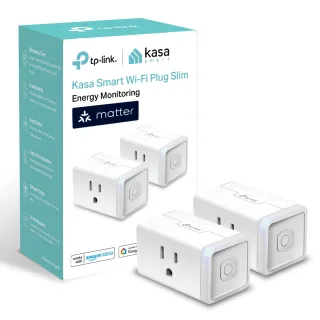
 Kasa KP125M
$24.99$29.99
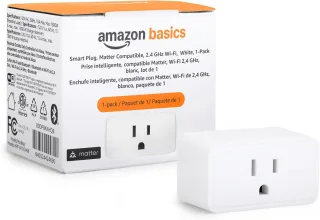
$8.98$10.39
19 specs, grouped by area.
| Fact | Smart Plug | Tapo P125M | Margin |
|---|---|---|---|
| Plug type Most of mainland Europe uses Type F; France and Belgium use Type E. Check before you buy a regional variant. | Type B (US) | Type B (US) | |
| Max load 3,680 W (16 A) handles heaters and washing machines. 2,300 W (10 A) plugs are only for small appliances. | 1,800 W | 1,800 W | |
| Energy monitoring Reports live watts and kWh. Needed for the Home Assistant energy dashboard. | ? | ? | |
| Standby draw What the plug itself uses while idle. 0.5 W is about 4.4 kWh a year. | ? | ? |
| Fact | Smart Plug | Tapo P125M | Margin |
|---|---|---|---|
| Child protection Shuttered socket that stops objects being pushed in. | ? | ? | |
| Blocks neighbouring socket Chunky plugs cover the second socket on a double outlet. | No | No |
| Fact | Smart Plug | Tapo P125M | Margin |
|---|---|---|---|
| Wi-Fi 2.4 GHz has longer range. Dual band helps in crowded apartment buildings. | 2.4 GHz | 2.4 GHz | |
| Thread Low-power mesh used by Matter. Needs a Thread border router (HomePod mini, Nest Hub, SkyConnect…). | No | No | |
| Zigbee Mature mesh protocol. Works locally with Zigbee2MQTT or ZHA in Home Assistant. | No | No | |
| Bluetooth Usually only for setup or short-range control. | No | Yes |
| Fact | Smart Plug | Tapo P125M | Margin |
|---|---|---|---|
| Matter Works with every major platform locally. Check which device types are supported — some features may stay app-only. | No | Yes | |
| Home Assistant Core integrations ship with Home Assistant. HACS integrations are community-maintained and can break after updates. | None | Core integration | |
| Alexa | Yes | Yes | |
| Google Home | No | Yes | |
| Apple Home | No | Yes |
| Fact | Smart Plug | Tapo P125M | Margin |
|---|---|---|---|
| Works offline Keeps working with your internet down — schedules, automations and local apps still run. | ? | Yes | |
| Cloud account required You must create a manufacturer account to set it up. Some devices stop working if the cloud shuts down. | ? | ? | |
| Subscription for key features Features locked behind a monthly fee, e.g. history, AI detection or remote access. | ? | No | |
| Firmware updates via HA Update the firmware from Home Assistant without the vendor app (Zigbee2MQTT OTA, Matter OTA). | ? | No |